
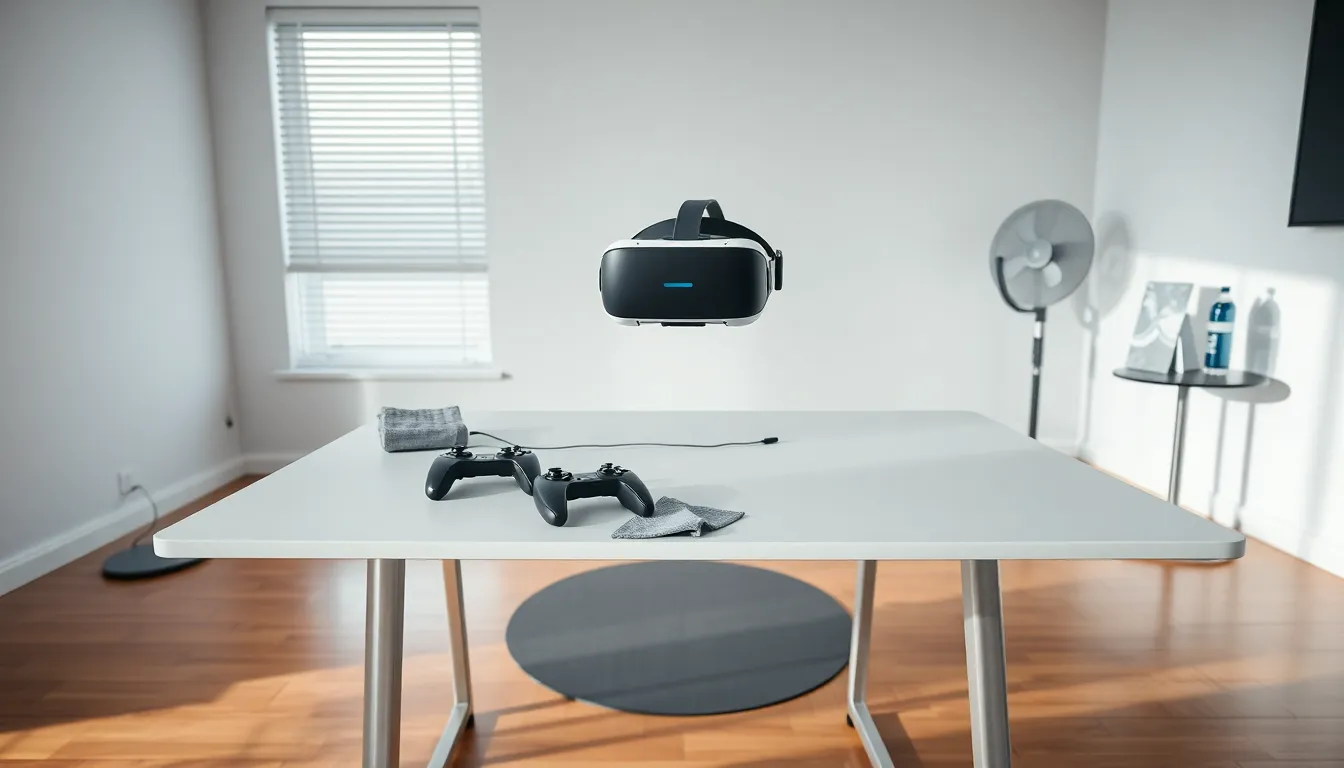
VR gaming tips can transform an average virtual reality session into something truly immersive. Whether someone just unboxed their first headset or has logged hundreds of hours in virtual worlds, small adjustments make a big difference. The technology has come a long way, but getting the most out of it requires more than just plugging in and playing.
This guide covers the essentials, from setting up a safe play area to preventing motion sickness and boosting visual quality. These VR gaming tips apply to most popular headsets, including Meta Quest, PlayStation VR2, and PC-based systems. By the end, players will have practical strategies they can use immediately to level up their virtual reality experience.
Table of Contents
ToggleKey Takeaways
- Clear a minimum 6.5 x 6.5-foot play space and set accurate guardian boundaries to prevent accidents during VR gaming.
- Combat motion sickness by starting with stationary games, using teleportation movement, and taking frequent 15-20 minute breaks.
- Adjust your headset’s IPD settings and top strap to shift weight from your face to your head for maximum comfort during long sessions.
- Keep a fan running nearby—the breeze provides a physical reference point that helps reduce VR-related nausea.
- Improve visual quality by cleaning lenses regularly, optimizing refresh rate settings, and ensuring proper lighting for inside-out tracking.
- Invest in essential accessories like elite straps, controller grips, and a VR mat to elevate your VR gaming experience.
Setting Up Your Play Space Safely
A proper play space prevents accidents and protects both the player and their surroundings. VR gaming tips always start here because a poor setup leads to bumped shins, broken controllers, and worse.
Clear the area completely. Remove furniture, cables, pets, and anything breakable from the play zone. A minimum of 6.5 feet by 6.5 feet works for most standing experiences, though more space is always better. Some games require room-scale movement, so check individual game requirements before diving in.
Set guardian boundaries accurately. Most headsets include a boundary system that warns players when they approach walls or obstacles. Take time to trace these boundaries carefully during initial setup. A rushed boundary configuration leads to false alarms or, worse, no warning at all before hitting something.
Check ceiling height. Overhead lights and ceiling fans become hazards during games that involve reaching upward. Players should extend their arms fully overhead and confirm nothing is within striking distance.
Secure loose cables. For tethered headsets, cable management matters. Consider ceiling-mounted cable pulleys or simply route the cable behind the player to reduce trip hazards. Wireless adapters eliminate this problem entirely but add cost.
Inform others in the household. A closed door or verbal warning helps prevent interruptions. Walking into someone mid-sword swing creates problems for everyone involved.
Preventing Motion Sickness
Motion sickness remains one of the biggest barriers to enjoying VR. The disconnect between what eyes see and what the body feels triggers nausea in many users. Fortunately, several VR gaming tips address this issue effectively.
Start with stationary experiences. New users should begin with games that keep the player in one spot. Beat Saber, Job Simulator, and Superhot VR work well as introductory titles. These games build VR tolerance without the locomotion that causes discomfort.
Use teleportation movement when available. Many games offer teleportation as an alternative to smooth locomotion. This movement style eliminates the sensation of artificial movement that triggers nausea. Players can switch to smooth locomotion later as they adapt.
Take breaks frequently. The first sign of discomfort is the cue to stop. Pushing through nausea doesn’t build tolerance, it creates negative associations with VR. Short 15-20 minute sessions work best initially, with gradual increases over time.
Enable comfort settings. Most VR games include options like vignetting (darkening the peripheral vision during movement) and snap turning. These features reduce motion sickness significantly. Don’t treat them as training wheels to remove quickly: use them as long as needed.
Keep a fan running nearby. A gentle breeze on the face provides a physical reference point that helps the brain reconcile conflicting signals. Many experienced VR users swear by this simple trick.
Stay hydrated and avoid playing hungry. Dehydration and low blood sugar worsen motion sickness symptoms. A light snack and water before playing helps.
Optimizing Comfort During Long Sessions
Extended VR sessions demand attention to physical comfort. Without proper adjustments, headaches, facial pressure, and fatigue cut gaming time short.
Adjust the headset fit properly. The display should sit at the sharpest point in the player’s vision. Most headsets have IPD (interpupillary distance) adjustments that align lenses with the user’s eyes. A blurry image often means incorrect IPD settings rather than hardware limitations.
Balance the weight distribution. Tighten the top strap to shift weight from the face to the top of the head. The headset should feel secure without pressing hard against cheeks or forehead. Many users find that loosening the side straps slightly after tightening the top strap improves comfort.
Consider aftermarket face cushions. Stock foam interfaces work adequately, but third-party options often provide better padding and breathability. Silicone covers also make cleaning easier after sweaty sessions.
Wear appropriate clothing. VR gaming generates heat, especially during active games. Lightweight, breathable clothing prevents overheating. Some players keep a small towel nearby for quick wipe-downs.
Use prescription lens inserts if needed. Wearing glasses under a VR headset creates discomfort and risks scratching both the glasses and headset lenses. Prescription inserts snap directly onto the headset and provide clear vision without the squeeze.
Improving Performance and Visual Quality
Visual quality affects immersion directly. These VR gaming tips help players squeeze better graphics and smoother performance from their hardware.
Clean the lenses regularly. Smudges and dust degrade image quality noticeably. Use a microfiber cloth designed for optical lenses. Avoid paper towels or clothing that might scratch the coating.
Adjust refresh rate settings. Higher refresh rates (90Hz, 120Hz) create smoother visuals and reduce motion sickness. PC users should confirm their graphics card can maintain the chosen refresh rate consistently. Dropped frames feel worse than a stable lower rate.
Optimize PC graphics settings. For PC VR, finding the right balance between visual fidelity and frame rate takes experimentation. Start with medium settings and adjust upward until performance drops. Supersampling improves clarity significantly when hardware allows it.
Update firmware and software. Headset manufacturers release updates that improve tracking, add features, and fix bugs. Keeping everything current ensures the best possible experience.
Manage background applications. VR demands significant system resources. Close unnecessary programs before launching VR games. Even browser tabs consume memory that could improve performance.
Check lighting conditions for inside-out tracking. Headsets that use cameras for tracking need adequate lighting. Too dim or too bright causes tracking issues. Avoid playing in front of windows with direct sunlight or mirrors that confuse the cameras.
Essential Accessories Worth Considering
The right accessories enhance VR gaming significantly. Not every add-on is necessary, but some genuinely improve the experience.
Elite straps or halo-style headstraps distribute weight better than basic straps included with most headsets. The comfort improvement justifies the cost for regular users.
Rechargeable battery packs extend wireless headset playtime and add counterweight that improves balance. Running out of battery mid-session interrupts immersion.
Controller grips allow players to release their grip without dropping controllers. Games that involve throwing objects benefit enormously from these accessories.
VR-specific earbuds or headphones provide better audio than built-in speakers. Spatial audio matters for immersion and competitive advantage in multiplayer games.
A dedicated VR mat gives players a tactile reference point for their position without looking down. The textured surface helps maintain orientation during intense moments.
Lens protectors guard against scratches from accidental contact with glasses or storage mishaps. Prevention costs far less than replacement lenses.