
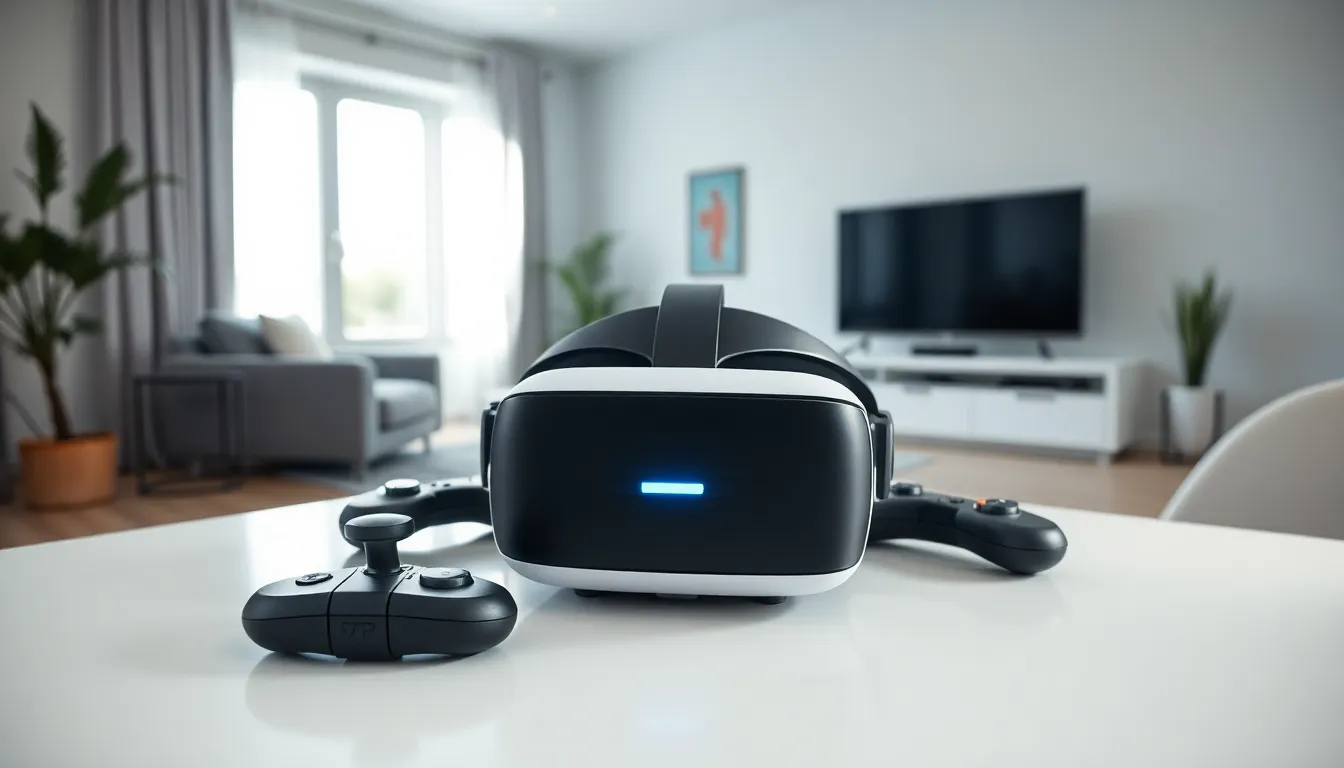
A VR gaming guide is essential for anyone ready to step into immersive virtual worlds. Virtual reality has moved far beyond novelty status. Today’s headsets deliver sharp visuals, responsive tracking, and games that feel genuinely transformative. But the options can feel overwhelming, standalone devices, PC-powered systems, accessories, and hundreds of titles compete for attention.
This guide breaks down the fundamentals. Readers will learn how VR gaming works, which headset fits their situation, what gear they actually need, and which games deserve their time in 2025. Whether someone is a complete beginner or looking to upgrade their setup, this VR gaming guide covers the practical details that matter most.
Table of Contents
ToggleKey Takeaways
- A VR gaming guide helps beginners navigate headset options, accessories, and game choices to build the ideal setup for their needs.
- Standalone headsets like the Meta Quest 3 offer the easiest entry point, while PC-tethered systems deliver superior graphics for enthusiasts.
- Look for headsets with at least 90Hz refresh rates, comfortable head straps, and proper IPD adjustments to avoid eye strain during extended play.
- Essential accessories include upgraded head straps, prescription lens inserts, and controller grips for improved comfort and gameplay.
- Start with shorter 20-30 minute sessions and beginner-friendly games like Beat Saber or Walkabout Mini Golf before tackling intense VR experiences.
- Clear your play area, ensure consistent lighting, and calibrate boundary systems before every VR gaming session for safe, immersive gameplay.
What Is VR Gaming and How Does It Work?
VR gaming places players inside a 3D digital environment. Instead of watching action on a flat screen, users wear a headset that displays stereoscopic images, one slightly different view for each eye. The brain interprets these images as depth, creating a convincing sense of presence.
Modern VR headsets track head movement using built-in sensors. When a player looks left, the virtual world shifts accordingly. This 1:1 tracking happens in milliseconds, which prevents motion sickness and maintains immersion. Most systems also track hand controllers, letting players grab objects, swing swords, or aim weapons naturally.
The technology relies on several components working together:
- Display panels: High-resolution screens positioned close to the eyes
- Lenses: Fresnel or pancake optics that focus the image properly
- Tracking systems: Inside-out cameras or external sensors that monitor position
- Audio: Spatial sound that shifts based on head orientation
- Controllers: Motion-tracked input devices with buttons and triggers
Some VR gaming experiences use room-scale tracking, allowing players to walk around a physical space that maps to the virtual environment. Others work fine while seated or standing in place. The level of movement depends on the game and the available play area.
Refresh rates also matter significantly. A headset running at 90Hz or 120Hz produces smoother visuals than one locked at 72Hz. Higher refresh rates reduce eye strain during extended sessions and make fast-paced games feel more responsive.
Choosing the Right VR Headset for Your Needs
Selecting a VR headset depends on budget, technical requirements, and how someone plans to use it. The market in 2025 offers options at every price point, from entry-level devices under $300 to premium systems exceeding $1,000.
Key specifications to compare include:
- Resolution: Higher pixel counts mean sharper images and reduced screen-door effect
- Field of view: Wider FOV creates a more natural viewing experience
- Refresh rate: 90Hz minimum: 120Hz preferred for competitive games
- Comfort: Weight distribution and strap design affect long-session comfort
- Software ecosystem: Game library availability varies by platform
The Meta Quest 3 remains a popular choice for its balance of price, performance, and standalone capability. PlayStation VR2 appeals to console gamers with its eye-tracking features and haptic feedback. PC enthusiasts often gravitate toward the Valve Index for its precise tracking and premium controllers, or newer options like the Bigscreen Beyond for its compact design.
Standalone vs. PC-Tethered Headsets
Standalone headsets contain all processing hardware inside the device itself. They require no external computer, making setup simple and the experience portable. The Quest 3 exemplifies this category, users charge it, put it on, and start playing. The tradeoff is limited processing power compared to dedicated gaming PCs.
PC-tethered headsets offload computation to a desktop or laptop. This approach enables better graphics, larger game worlds, and more detailed environments. Games like Half-Life: Alyx showcase what PC VR can achieve. But, these systems cost more when factoring in the required computer hardware, and cables can restrict movement.
A hybrid approach exists too. Many standalone headsets now support PC connectivity via cable or wireless streaming. This flexibility lets users start with standalone games and access PC VR content later without buying additional hardware.
For most newcomers following this VR gaming guide, a standalone headset offers the easiest entry point. Those with existing gaming PCs might prefer a tethered option to maximize visual fidelity from day one.
Essential Accessories and Setup Tips
The base headset and controllers handle most VR gaming needs, but several accessories improve comfort and functionality.
Recommended accessories:
- Elite or third-party head straps: Stock straps on budget headsets often feel flimsy: upgraded straps distribute weight better
- Prescription lens inserts: Glasses wearers benefit from custom lenses that eliminate the need to wear frames inside the headset
- Controller grips: Straps that secure controllers to hands prevent accidental throws during intense moments
- Charging dock: Keeps headset and controllers topped up and organized
- VR cover or silicone face gasket: Improves hygiene and comfort, especially for shared headsets
Setup tips for the best experience:
Clear the play area before each session. VR gaming requires space free of furniture, pets, and other obstacles. Most headsets include guardian or boundary systems that warn players when approaching walls, these features only work if calibrated correctly.
Lighting matters for inside-out tracking. Cameras on the headset need visible features in the room to establish position. Very dark rooms or spaces with blank white walls can cause tracking issues. Moderate, consistent lighting works best.
Adjust the interpupillary distance (IPD) to match eye spacing. Incorrect IPD causes blurry images and eye strain. Most headsets include physical or software adjustments for this setting.
Start with shorter play sessions. Even experienced gamers need time to adjust to VR. Beginning with 20-30 minute sessions helps the body adapt to the new sensory input. Stationary experiences cause less discomfort than games involving artificial locomotion.
Keep the lenses clean using only microfiber cloths. Fingerprints and dust degrade image quality quickly. Never use liquid cleaners unless specifically designed for VR optics.
Top VR Games Worth Playing in 2025
Any VR gaming guide needs solid game recommendations. The library has matured significantly, offering quality titles across genres.
Action and Adventure:
- Half-Life: Alyx – Still the gold standard for VR storytelling and interaction design. PC VR required.
- Resident Evil 4 VR – A reimagined classic that proves horror works exceptionally well in virtual reality.
- Asgard’s Wrath 2 – A massive RPG with dozens of hours of content, impressive for a standalone title.
Rhythm and Music:
- Beat Saber – Slicing blocks to music remains addictive years after release. Custom songs extend replay value indefinitely.
- Synth Riders – A smoother alternative to Beat Saber with excellent licensed tracks.
Fitness:
- Supernatural – Guided workouts set in beautiful environments. Subscription required but well-produced.
- Les Mills Bodycombat – Martial arts-inspired routines that provide genuine cardio.
Social and Multiplayer:
- Gorilla Tag – Free-to-play chaos where players move by swinging their arms. Surprisingly physical.
- Rec Room – A social platform with user-created games and activities.
- Walkabout Mini Golf – Relaxed multiplayer with clever course designs.
Simulation:
- Microsoft Flight Simulator – VR support transforms an already impressive sim into something special.
- iRacing – Competitive racing that benefits enormously from VR’s depth perception.
This VR gaming guide recommends starting with shorter, less intense experiences. Beat Saber or Walkabout Mini Golf help new users find their VR legs before tackling longer adventures or games with heavy locomotion.