
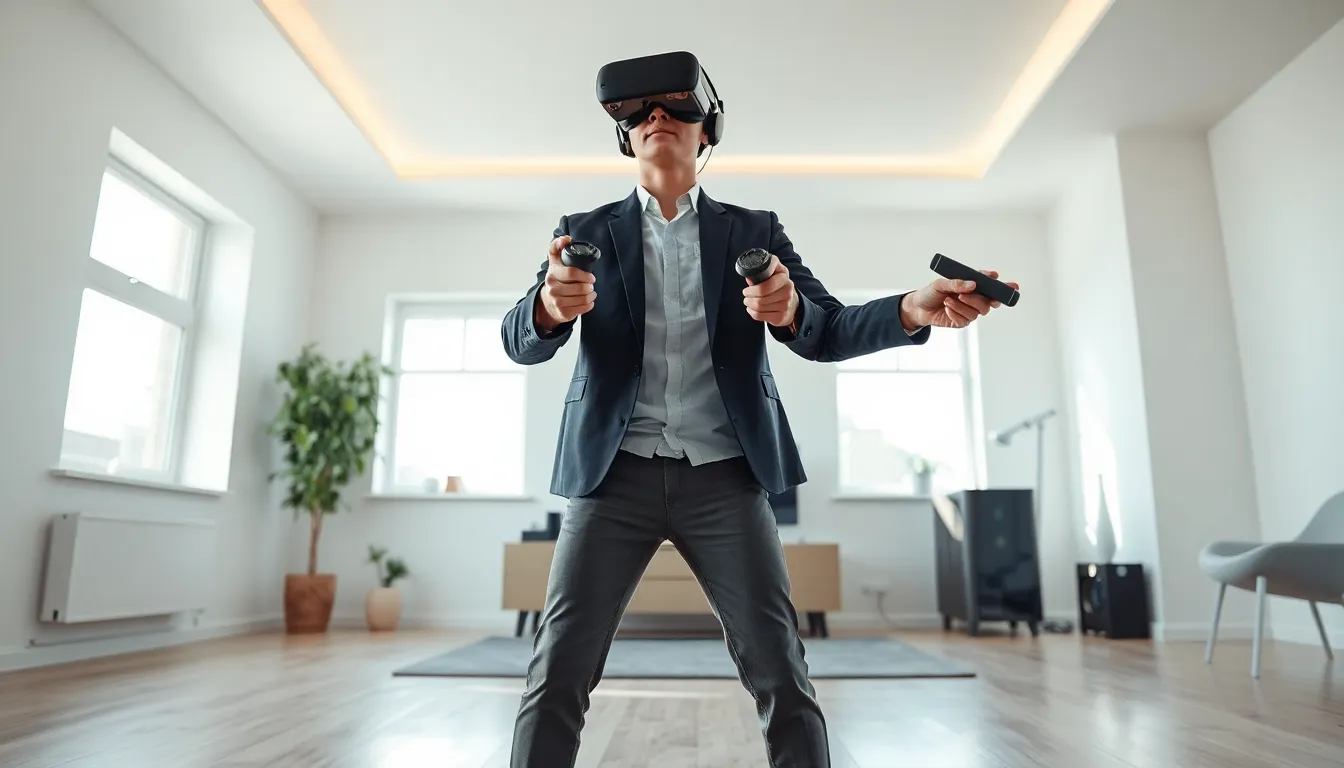
Learning how to VR gaming opens doors to immersive experiences that flat screens simply cannot match. Players step inside their favorite games, swing virtual swords, and explore digital worlds as if they were physically present. VR gaming has grown rapidly since consumer headsets first hit the market, and 2025 offers more accessible options than ever before.
This guide covers everything beginners need to know. Readers will learn the basics of VR gaming technology, discover which headset fits their needs, and get practical advice for setting up a play space. By the end, anyone can confidently take their first steps into virtual reality.
Table of Contents
ToggleKey Takeaways
- VR gaming immerses players in 3D environments using headsets with stereoscopic displays, head tracking, and motion controllers for natural interaction.
- Standalone headsets like the Meta Quest 3 offer the best entry point for beginners due to their convenience, portability, and extensive game library.
- A safe VR play space requires at least 6.5×6.5 feet for room-scale experiences, with all obstacles removed and proper lighting for tracking.
- Start your first VR gaming sessions slowly—limit play to 15-20 minutes and choose stationary experiences to avoid motion sickness.
- Combat VR motion sickness by using teleportation movement, keeping a fan nearby, and building tolerance through short, frequent sessions.
- Properly adjust your headset’s fit and IPD settings to ensure clear visuals and comfortable extended play.
Understanding VR Gaming Basics
VR gaming places players inside a three-dimensional digital environment. Instead of watching action on a screen, users wear a headset that displays stereoscopic images, one slightly different view for each eye. This creates depth perception and makes virtual objects appear solid and real.
The headset tracks head movements in real time. When players look left, the virtual world shifts accordingly. This head tracking is essential for VR gaming immersion. Without it, the experience would feel disconnected and cause motion sickness.
Most VR gaming systems also include motion controllers. These handheld devices track hand positions and let players interact with virtual objects. They can grab items, pull triggers, or make gestures that the game recognizes. Some advanced systems track individual finger movements for even more natural interactions.
Types of VR Gaming Systems
Three main categories exist in VR gaming today:
- Standalone headsets run games directly on the device. They require no external computer or console. The Meta Quest 3 is the most popular example. These offer convenience and portability at a lower total cost.
- PC VR headsets connect to a gaming computer. They deliver higher visual quality and access to more demanding games. The Valve Index and HP Reverb G2 fall into this category. Players need a capable PC, which increases the overall investment.
- Console VR headsets work with specific gaming consoles. The PlayStation VR2 connects to the PS5. This option suits people who already own the compatible console.
Each type has trade-offs between convenience, visual quality, game library, and cost. Beginners should consider their priorities before purchasing.
Choosing the Right VR Headset
Selecting a VR gaming headset depends on budget, technical requirements, and intended use. Several factors matter when comparing options.
Resolution affects visual clarity. Higher resolution means sharper images and less visible screen-door effect (the grid pattern between pixels). Modern headsets typically offer 1800×1920 pixels per eye or higher.
Refresh rate determines smoothness. A 90Hz display updates 90 times per second. Higher rates (120Hz or 144Hz) reduce motion blur and feel more comfortable during fast action. VR gaming benefits significantly from higher refresh rates.
Tracking quality influences accuracy. Inside-out tracking uses cameras on the headset to monitor surroundings. Outside-in tracking uses external sensors placed around the room. Both work well in modern systems, though outside-in can offer marginally better precision.
Comfort matters for longer sessions. Weight distribution, strap design, and facial interface padding all affect wearability. Some headsets accommodate glasses better than others.
Popular Options for Beginners
The Meta Quest 3 stands out for most newcomers to VR gaming. It works standalone or connects to a PC for expanded content. The price point remains reasonable, and the game library is extensive.
The PlayStation VR2 appeals to PS5 owners who want a premium VR gaming experience without buying a gaming PC. Eye tracking and haptic feedback in the headset add immersion.
For PC enthusiasts, the Valve Index delivers excellent tracking and controllers, though at a higher price. Budget-conscious PC users might consider the Meta Quest 3 with a Link cable as a hybrid solution.
New players should research current prices and game availability before deciding. The VR gaming market shifts frequently, and deals appear throughout the year.
Setting Up Your VR Play Space
A proper play space prevents injuries and improves the VR gaming experience. Most games require either standing room or a larger area for room-scale play.
Space Requirements
Standing-only experiences need a 3×3 foot area minimum. Room-scale VR gaming works best with at least 6.5×6.5 feet of clear floor space. More room allows greater freedom of movement.
Clear the area of furniture, cables, pets, and anything players might trip over or punch accidentally. VR gaming involves real physical movement, flailing arms can connect with TVs, lamps, or family members.
Lighting and Environment
Inside-out tracking headsets need adequate lighting. Too dark, and the cameras cannot see the room. Too bright or direct sunlight can interfere with sensors. Normal indoor lighting works best for VR gaming sessions.
Avoid mirrors or highly reflective surfaces in the play area. These can confuse tracking systems and cause glitches.
Guardian/Boundary Setup
Every major VR gaming platform includes a boundary system. Players trace their safe area during setup. The headset then displays a virtual wall when users approach the edge.
Take time to set boundaries accurately. Leave a buffer zone beyond the visible grid, people often step past warnings during intense moments. A few extra inches of clearance prevents wall punches.
Cable Management (For Tethered Headsets)
PC VR headsets connect via cable, which can tangle or trip players. Cable management systems suspend the cord from the ceiling, allowing freer movement. Pulley systems cost around $20-30 and make a noticeable difference.
Standalone headsets like the Meta Quest 3 eliminate this concern entirely, making them popular choices for VR gaming beginners.
Essential Tips for Your First VR Gaming Session
First-time VR gaming can overwhelm the senses. These practical tips help beginners avoid common problems and enjoy the experience.
Start Slow
Begin with stationary or slow-paced experiences. Tutorial apps, virtual tours, and rhythm games like Beat Saber provide gentle introductions. Fast movement and artificial locomotion (using a thumbstick to move) can trigger motion sickness in new users.
Limit initial VR gaming sessions to 15-20 minutes. The brain needs time to adjust to virtual environments. Pushing through discomfort often makes symptoms worse. Take breaks, drink water, and build tolerance gradually over multiple sessions.
Adjust the Headset Properly
A well-fitted headset makes VR gaming comfortable and clear. Position the lenses directly in front of the eyes. Adjust the IPD (interpupillary distance) setting to match personal eye spacing. Tighten straps enough to prevent shifting without creating pressure points.
Blurry visuals usually indicate improper positioning rather than hardware problems. Spend time getting the fit right before assuming something is wrong.
Deal With Motion Sickness
VR motion sickness affects many beginners. It occurs when visual input conflicts with inner ear signals. The eyes see movement, but the body feels stationary.
Strategies to reduce discomfort include:
- Use teleportation movement instead of smooth locomotion
- Keep a fan blowing on the face for spatial reference
- Chew ginger candy or drink ginger tea before sessions
- Stop immediately when feeling unwell
- Build tolerance with short, frequent sessions
Most people adapt to VR gaming within a week or two of regular use. Those who don’t should stick to stationary experiences.
Hygiene and Sharing
VR headsets contact the face and absorb sweat. Silicone covers or disposable hygiene masks protect the foam interface. Wipe down controllers and headset exteriors regularly, especially when sharing with others.
VR gaming gets physical. Keep a towel nearby for intense sessions.